The Great Router Debate: To Switch Off or Not to Switch Off?
Right then, grab a cuppa and pull up a chair. We need to have a little chat about that blinking box in the corner of your hallway.
You know the one—the WiFi router. It sits there, flashing away like a miniature disco, happily beaming the internet into your phones, tellies, and smart fridges. But as energy prices have done their best impression of a rocket launch lately, a lot of you have been asking me the same question:
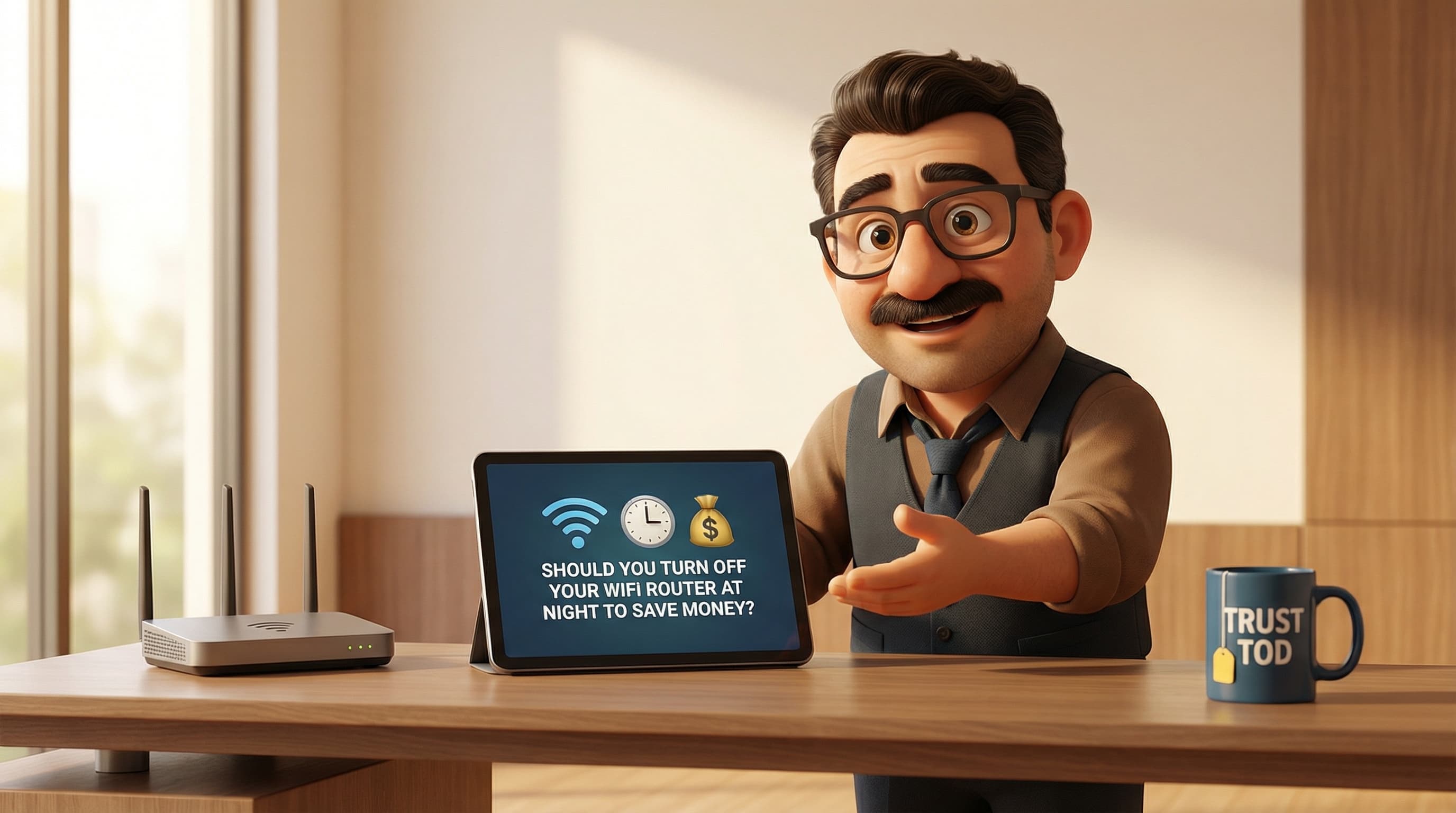
"Tod, should I be flicking the switch on my router before I head up to bed?"
It sounds sensible, doesn't it? We turn off the lights, the telly, and the heating. Why leave the internet on when the only thing browsing the web is the house cat?
Well, as much as I love saving a few quid, the answer isn't as straightforward as "off is good." In fact, turning that little box off might actually cause you more headaches than it cures. Let’s dive in, shall we?
Where Did This Idea Come From?
To understand why we feel the urge to switch off, we have to look back a bit. Blimey, remember the late 90s? The era of dial-up internet.
Back then, the internet wasn't a utility like water or gas; it was an event. You sat down at the computer, listened to that screeching modem noise (you can hear it now, can't you?), checked your emails, and then disconnected so your mum could use the phone. Leaving the internet on was physically impossible for most.
Then came the "Vampire Power" campaigns of the mid-2000s. We were told—quite rightly—that standby modes on old TVs and VCRs were energy hogs. A chunky old desktop tower could draw a surprising amount of power just sleeping. So, the rule of thumb became: "If you aren't using it, kill it at the wall."
It’s a good habit for most things. But modern broadband is a different beast entirely.
The Maths: Are You Actually Saving Money?
Let’s get the brass tacks out of the way first. How much does leaving your router on actually cost you?
Modern routers from the likes of BT, Virgin Media, and Sky are surprisingly efficient little things. On average, a standard UK ISP router chugs along at about 10 watts.
If you were to religiously switch it off for 8 hours every single night, you’d save roughly 0.08 kWh of electricity per day. Over the course of a year, that’s about 29.2 kWh.
Under current energy price caps, that saving amounts to roughly £7.00 to £8.50 per year.
Now, don't get me wrong—£8 is enough for a couple of fancy coffees or a very posh sandwich. It’s not nothing. But you have to ask yourself: is saving 60p a month worth the potential trouble? Because, unfortunately, there is trouble.
The Invisible Cost: Why Your Broadband Hates Sleep
Here’s the technical bit, but I promise to keep it painless.
The infrastructure that powers the UK’s internet (mostly Openreach lines used by BT, EE, TalkTalk, and Sky) uses a clever bit of software called DLM, or Dynamic Line Management.
Think of DLM as a very anxious doctor constantly checking your internet’s pulse. Its job is to keep your connection stable. If it sees your line dropping out repeatedly—like when you switch the router off every night—it doesn't think, "Oh, look, they've gone to bed."
Instead, it panics. It thinks, "Blimey, this line is unstable! There must be a fault!"
To "fix" this imaginary fault and stop the line from dropping, the DLM automatically slows down your broadband speed. It prioritises stability over speed. So, by trying to save a few pennies on electricity, you might inadvertently throttle your own fibre connection, resulting in buffering Netflix streams and laggy Zoom calls during the day.
The Security Risk
There’s another gremlin in the works here: security updates.
Your router isn't just a signal booster; it’s a computer that stands as the front door to your digital home. Just like your phone, it needs regular updates to patch security holes and keep the bad guys out.
ISPs know that nobody wants their internet restarted in the middle of a workday or during the Strictly final. So, they schedule these critical firmware updates during the "maintenance window"—usually between 2:00 AM and 4:00 AM.
If your router is switched off at the wall every night, it misses these updates. You could be leaving your network vulnerable to bugs or hackers, purely because your router was asleep when the security patrol came round.
The "Smart" Home Problem
Finally, we have to talk about the Internet of Things (IoT). Even if you are asleep, your house probably isn't.
- Smart Thermostats: Systems like Hive or Nest often download weather data overnight to plan the next day’s heating schedule. No WiFi means they’re flying blind.
- Backups: Many of us plug our phones in to charge on the bedside table. That’s exactly when our phones try to backup photos to the cloud—but only if they have WiFi.
- Security: If you have a Ring doorbell or a smart alarm, turning off the router renders them about as useful as a chocolate teapot. If something goes bump in the night, they can't record it or alert you.
Common Myths Busted
Before I give you my final verdict, let’s quickly squash a few other myths I hear down the pub.
Myth: "Turning it off gives the router a rest and makes it last longer." Actually, the opposite is often true. Electronics hate "thermal cycling"—the process of heating up and cooling down repeatedly. The expansion and contraction can crack solder joints over time. Leaving it running at a stable temperature is usually healthier for the hardware.
Myth: "The WiFi signals mess with my sleep." I get asked this a lot. The UK Health Security Agency confirms that WiFi radio waves are non-ionizing and extremely low power—far less than your mobile phone. There’s no evidence they disrupt sleep. However, the bright blue LED lights on the front of the router? Those will keep you awake. A bit of black electrical tape is the best solution there!
Tod’s Verdict
So, should you turn off your WiFi router at night?
In a word: No.
The meager saving of £7 a year just isn't worth the risk of slower broadband speeds, missed security updates, and disconnected smart devices.
Here is what you should do instead:
- Leave it on: Treat your router like your fridge—it’s meant to run 24/7.
- Use Eco Mode: If you’re worried about power, log into your router’s admin settings. Many modern hubs have a power-saving mode that dims the lights and reduces power consumption without killing the connection.
- The 30-Second Rule: Only reboot your router if you are actually having technical issues, or if you're going on holiday for more than a week.
Technology is supposed to make life easier, not harder. Keep that blue light blinking (or tape it over), and enjoy a faster, safer connection when you wake up.
Need help finding a router that’s energy-efficient and lightning fast? Pop over to tod.ai and let’s get you sorted.
Related reading: