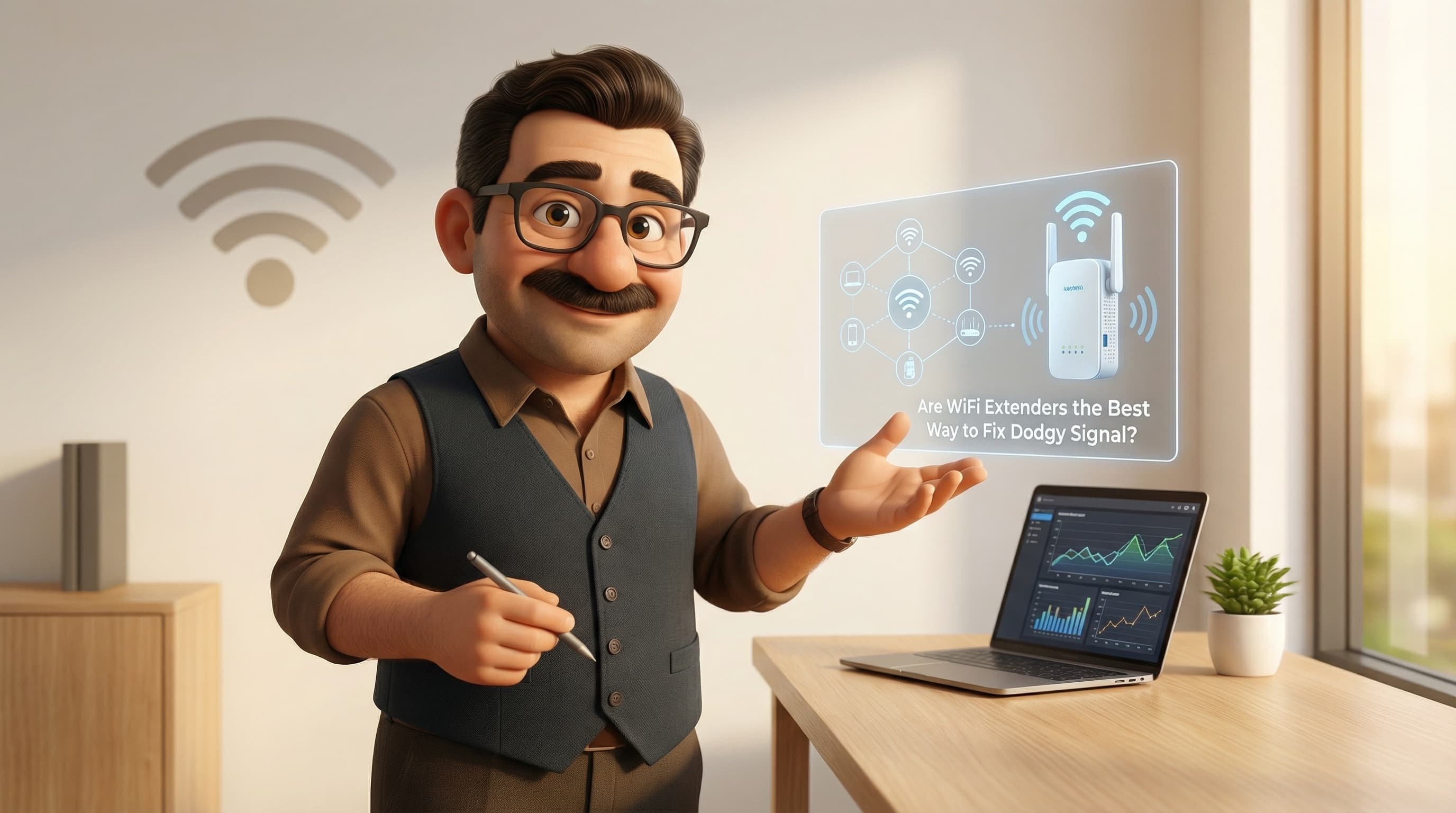
The Dreaded Spinning Wheel of Doom
Right then, picture the scene. You’ve had a long day at work, the rain is lashing against the window pane (standard British summer, eh?), and you’ve just settled into the sofa in the back extension or the loft conversion. You’ve got a steaming cuppa in one hand, a chocolate digestive in the other, and you’re ready to binge that new series everyone’s been nattering about.
You hit play. The logo appears. And then... it happens. That little spinning circle. The buffer wheel. The digital hourglass of despair.
“Blimey,” you mutter, holding your phone up to the ceiling like you’re trying to summon alien life. “I’ve got three bars! Why won’t it load?”
It’s a tale as old as time—or at least as old as broadband. We’ve all got that one spot in the house where the WiFi goes to die. And for years, the standard advice has been simple: “Just pop down to the shops and grab a WiFi extender. Cheap as chips, plug it in, job’s a good’un.”
But here’s the rub, and I’m going to be brutally honest with you: that little white plug might be telling you fibs. While it promises to banish your connection woes, it often creates a whole new headache that’s actually harder to diagnose. So, grab a fresh brew, and let’s dive into why the humble WiFi extender might not be the knight in shining armour you think it is.
The Myth: The "Magic Plug" Solution
It’s easy to see why the myth of the WiFi extender persists. On paper, it makes perfect sense. You’ve got a router in the hallway (because that’s where the Openreach master socket lives, usually in the most inconvenient spot possible), and you’ve got a dead zone in the kitchen.
The logic goes: If I stick a booster halfway between the two, it’ll catch the signal like a cricket ball and throw it the rest of the way to my device. Bosh. Sorted.
And to be fair, if you look at your phone screen after installing one, it looks like it’s worked. You’ve gone from one pitiful bar of signal to a triumphant five bars of full-strength WiFi. You feel a sense of accomplishment. You’ve beaten the system for twenty quid.
But then you try to load a webpage. Or make a Zoom call. And you realise that while you have a strong connection, you don’t have a fast one. The myth suggests that “More Bars = Better Internet.” Unfortunately, in the world of networking, signal strength and speed are two very different beasts. You can have a shouting-match-level strong connection to a device that simply cannot hear the internet.
A Trip Down Memory Lane: Why We Believed It
To understand why we all fell for the extender promise, we have to hop in a time machine back to, say, 2010. The iPhone 4 was the hottest thing on the block, and streaming Netflix in 4K wasn’t even a twinkle in a tech engineer’s eye.
Back then, home broadband in the UK was… well, let’s be charitable and call it “modest.” Most of us were rattling along on ADSL copper lines getting maybe 5 to 8 Mbps on a good day. Our routers were basic plastic boxes provided by the ISP that struggled to push a signal through a wet paper bag, let alone a solid Victorian brick wall.
In that era, WiFi extenders did sort of work, but only because our expectations were so low. If your extender cut your speed in half (we’ll get to why in a moment), dropping from 6 Mbps to 3 Mbps wasn’t really noticeable when you were just checking emails or loading a static BBC News page. It put a signal where there was none, and that was enough.
But technology moves fast. Today, we have fibre-to-the-cabinet or even full-fibre direct to the home. We have multiple people streaming ultra-high-definition video, gaming online, and video calling simultaneously. The clumsy, brute-force approach of 2010 just doesn't cut the mustard anymore.
The Truth: Why Extenders Are (Mostly) Rubbish
Right, let’s get into the technical nitty-gritty. Don’t worry, I’ll keep it simple—no exams at the end, I promise.
The fundamental flaw with a traditional, cheap WiFi extender (often called a “repeater”) is something called the Half-Duplex Penalty.
The "Shouting" Problem
Imagine you are standing in the lounge, and your friend is in the garden. You can’t hear each other. So, you put another friend, let’s call him “Dave the Repeater,” in the kitchen to relay messages.
Now, Dave cannot listen and speak at the same time. He has to wait for you to finish your sentence, stop listening, turn around, and shout it to your friend in the garden. Then he has to wait for the reply, turn back around, and shout it to you.
This is “Half-Duplex.” Because the extender has to use the same radio band to receive data from the router and send it to your phone, it effectively halves your bandwidth immediately. If you have a 100 Mbps connection, the best you can theoretically hope for through an extender is 50 Mbps. In reality, with overheads and interference, it’s usually much less.
The Sticky Client Syndrome
Here’s another annoyance that drives people up the wall. Have you ever walked from your living room to your bedroom, and your phone clings desperately to the one bar of signal from the main router, refusing to switch to the extender until the connection drops completely?
That’s because traditional extenders usually create a separate network (often named something like SkyWiFi_EXT). Your phone doesn’t know these two networks are part of the same team. It sees them as strangers. It will hold onto the first connection for dear life until it literally cannot hear it anymore. You end up manually switching WiFi networks in your settings every time you walk upstairs. It’s a faff, quite frankly.
The UK Housing Factor
We also have to talk about British architecture. We build our houses properly here—solid brick, stone, breeze blocks. None of that hollow drywall you see in American sitcoms where someone punches a hole in the wall.
WiFi hates brick. It hates water (pipes/radiators) and it hates metal (insulation foil). A cheap extender trying to punch a signal through a structural wall in a 1930s semi is fighting a losing battle. It’s trying to shout through a pillow.
The Verdict: So, What’s the Solution?
"Okay Tod," I hear you ask, "If you’ve thrown my extender in the bin, how do I actually fix the WiFi in the loft?"
Well, you’ll be chuffed to hear there are proper solutions now. We’ve moved past the dark ages of repeaters.
1. Mesh WiFi (The Gold Standard)
If you want it done properly, you want a Mesh System. You might have seen these—Google Nest, Eero, TP-Link Deco, Netgear Orbi.
Unlike an extender, which is just a dumb repeater, Mesh nodes are a team. They talk to each other constantly. If an extender is a game of Chinese Whispers, Mesh is a conference call where everyone has a dedicated line.
- One Network Name: The whole house shares one SSID. You can walk from the front door to the back garden, and the system seamlessly hands your phone from one node to the next without you even noticing. No dropping calls, no manual switching.
- Intelligent Routing: The system calculates the fastest path for your data. It doesn't just blindly repeat; it manages the traffic.
- Tri-Band Backhaul: The really good ones use a separate radio frequency just to talk to each other, so they don’t clog up the WiFi your phone is using. That means no speed loss.
Most UK ISPs have clocked onto this. If you look at BT’s “Complete Wi-Fi” or Sky’s “Max Hub,” they aren’t sending you extenders anymore; they’re sending you Mesh discs. They’ve admitted defeat on the old tech.
2. Powerline Adapters (The Wildcard)
Now, this is a bit of a British speciality. Because our walls are so thick, sometimes even WiFi Mesh struggles to punch through.
Powerline adapters use the copper electrical wiring inside your walls to send the internet data. You plug one near your router and one in the dead zone. The internet travels through the plug sockets! It’s brilliant—if your wiring is good. If you live in a new build or a recently rewired house, these can be magic. If your wiring dates back to the Blitz, maybe give it a miss.
When IS an Extender Okay?
I don’t want to be completely unfair. Is there ever a time to use a cheap £20 extender?
Yes. If you have a smart plug, a printer, or a boiler thermostat in the garage that just needs a tiny bit of data to say “I’m here,” an extender is fine. These devices don’t stream 4K video; they just sip data. For low-bandwidth, stationary devices, fill your boots. But for your iPad, your laptop, or your gaming console? forget it.
Final Thoughts
It’s tempting to go for the cheap fix. We all love a bargain. But in the world of home networking, “buy cheap, buy twice” has never been more true. A WiFi extender is a plaster on a broken leg. It covers the wound, but you still can't run on it.
If you’re fed up with the buffering wheel of doom, it’s time to retire the extender and look at a Mesh system. It might cost a few quid more upfront, but the first time you stream a movie in the bath without a single stutter, you’ll know it was worth every penny.
Still not sure which Mesh system will handle your three-storey terrace or your thick stone cottage walls? That’s exactly what I’m here for.
Pop over to tod.ai and have a chat with me. I’ll help you find the perfect kit to banish those dead zones for good. Kettle's on!
Related reading: