The Great Laptop Power Struggle
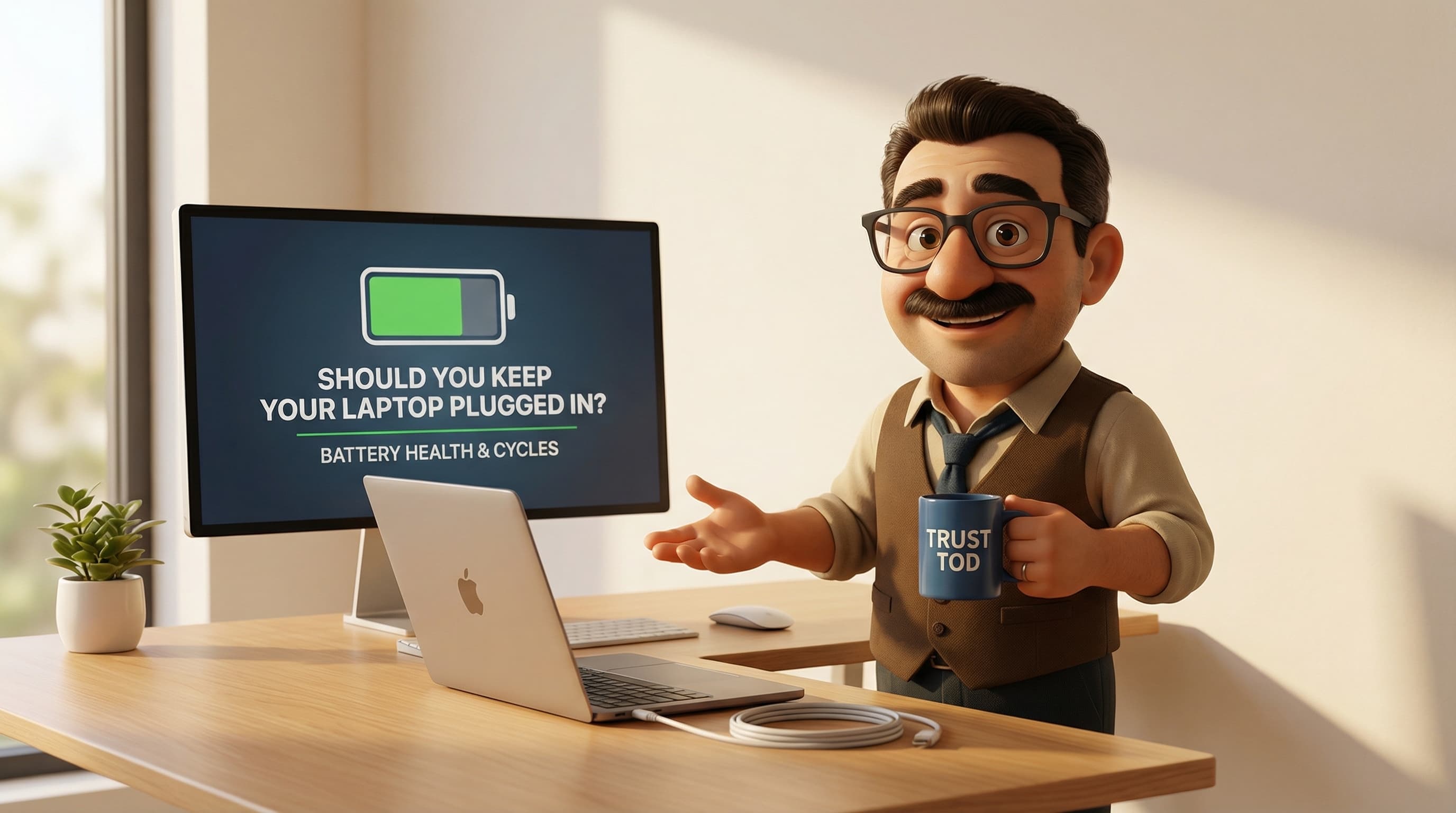
Picture the scene: you've just settled down at your desk for a morning of working from home. You've got a proper builder's tea steaming in your favourite mug, the dog is snoring under the desk, and you boot up your laptop. You plug it into the mains, ready to tackle the inbox.
But then, a little nagging voice echoes in the back of your mind. It sounds suspiciously like your dad, circa 2004, shouting, "Don't leave that plugged in, mate! You'll fry the battery!"
Suddenly, you're hit with a wave of tech guilt. You stare at the little battery icon in the corner of your screen sitting stubbornly at 100%. Are you actively destroying your precious (and expensive) machine? Should you be unplugging it, letting it drain to zero, and only then plugging it back in? It's a right faff, isn't it?
I hear this panic all the time. As the chap behind tod.ai, I spend my days helping folks across the UK find their perfect tech, and this is without a doubt one of the most common questions I get asked.
So, grab that cuppa, and let's sit down for a proper chat about the myth of the overcharged laptop. Spoiler alert: you can probably stop stressing, but there are a few cheeky tricks you absolutely need to know to keep your laptop running sweet as a nut.
The Myth: "You’re Frying Your Battery, Mate!"
Let's start by laying out exactly what this myth is. The common belief goes something like this: if you leave your laptop plugged into the mains when the battery is already full, the charger will just keep pumping electricity into it. This "overcharging" will cook the battery, cause it to forget how much charge it can actually hold, and eventually leave you with a laptop that dies the second you unplug it from the wall.
It's a terrifying thought, especially when you've dropped a fair few quid on a top-of-the-range MacBook or a sleek Windows ultrabook.
And it's not just laptops. People believe the exact same thing about their smartphones, tablets, and even cordless vacuum cleaners. We've all been trained to treat batteries like delicate little soufflés that will collapse if you look at them funny.
But here's the absolute truth of the matter: this belief is completely wrong for modern devices. However, to understand why we all believe it so fiercely, we need to take a little trip back in time.
A Trip Down Memory (Effect) Lane
Here is the most fascinating part about this myth: it actually used to be 100% true. Your dad wasn't making it up. Back in the 1990s and early 2000s, the standard advice to unplug your devices was scientifically spot on.
In those days, portable computers and those massive brick-like mobile phones used Nickel-Cadmium (NiCd) and Nickel-Metal Hydride (NiMH) batteries. These nickel-based batteries were revolutionary at the time, but they had a rather annoying quirk known as the "memory effect" (or voltage depression, if we're being properly technical about it).
Let's say you used your laptop on the train and drained the battery down to 80%. When you got to the office, you immediately plugged it back in to top it up. Over time, a NiCd battery would literally "remember" that 80% mark. The chemical structure inside the battery would crystallise, and it would effectively forget about the bottom 80% of its capacity. Your maximum battery life would shrink, and your laptop would die inexplicably quickly.
To make matters worse, the charging cables and internal circuits back then were incredibly "dumb." They didn't know when the battery was full. If you left a laptop plugged into the UK mains, the charger would just keep shoving current into the battery. This caused genuine overcharging. The battery would overheat, swell up like a balloon, and severely degrade.
So, the absolute best practice twenty-five years ago was to use your laptop until it was completely dead, and only then plug it in.
But blimey, things have changed since then.
The Modern Truth: Lithium and Clever Chips
Fast forward to today. Virtually every single modern laptop, smartphone, and portable gadget uses Lithium-ion (Li-ion) or Lithium-polymer (LiPo) batteries. The chemistry inside these sleek modern power cells is fundamentally different from their chunky nickel-based ancestors.
First and foremost: Lithium batteries do not suffer from the memory effect.
You can use 10% of your battery, plug it in. Use 50%, plug it in. Drop it to 20%, plug it in. The battery couldn't care less. It will never "forget" its total capacity just because you topped it up early.
Secondly, the "dumb" chargers are a thing of the past. Modern laptops are equipped with incredibly smart internal circuitry known as a Battery Management System (BMS).
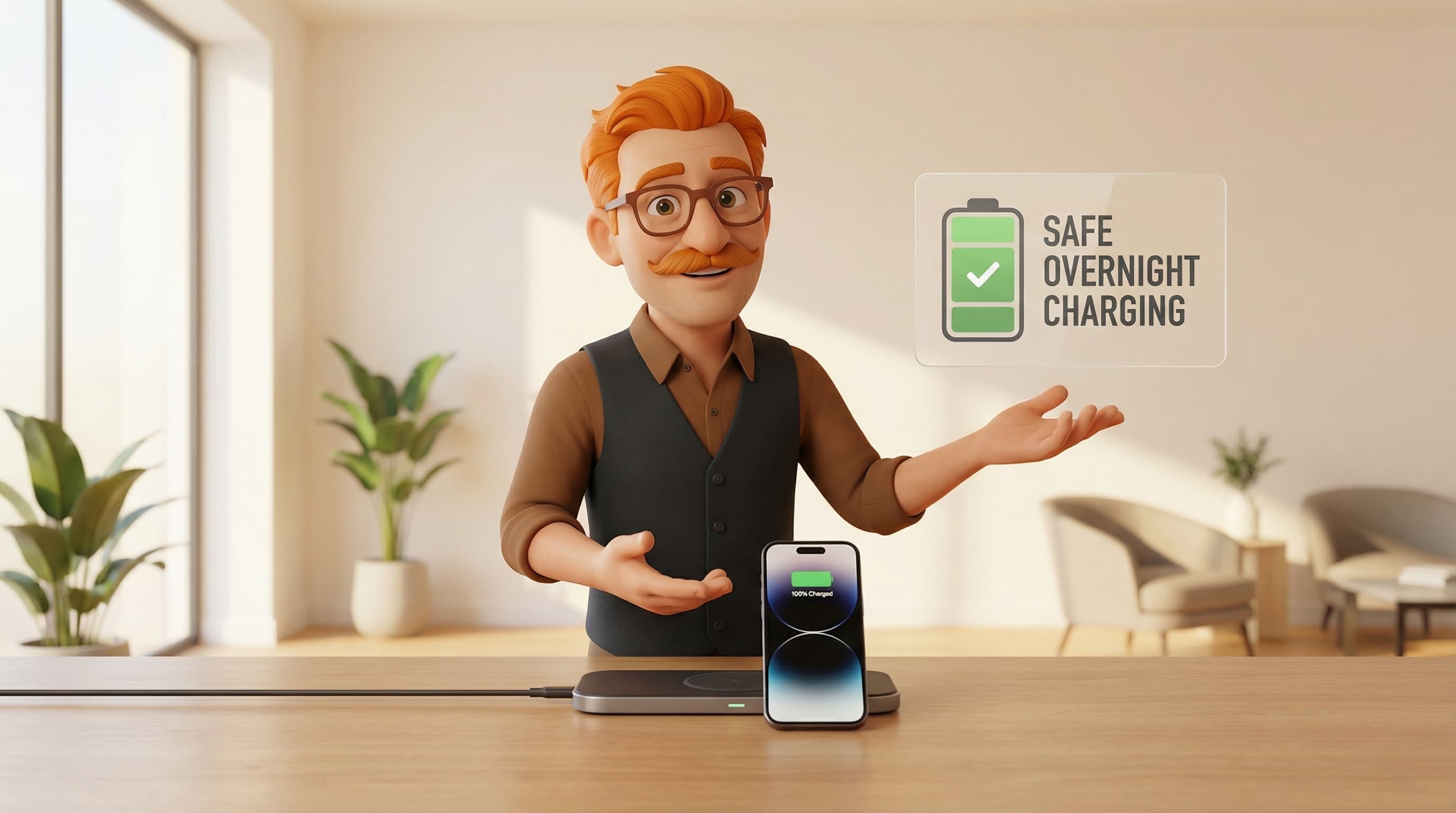
Think of the BMS as a very strict bouncer at the door of an exclusive nightclub (the nightclub being your battery). When your laptop is plugged in and the battery reaches exactly 100% charge, the bouncer steps in, puts a hand up, and says, "Right, that's enough juice for you."
The laptop then completely bypasses the battery. It takes the electricity straight from your wall socket and uses it to run the computer. Your battery just sits there, resting safely, not receiving a single drop of excess power. It is physically impossible to overcharge a modern laptop battery.
But Wait... Is There a Catch?
Now, you might be thinking, "Brilliant! Tod says I can just leave it plugged in 24/7 forever!"
Well... hold your horses. While overcharging and the memory effect are myths, keeping your laptop plugged in at 100% all day, every day does still wear the battery down faster than necessary.
But why? If the bouncer is stopping the power, what's the problem?
The enemies of modern Lithium-ion batteries are charge cycles, heat, and voltage stress.
When a lithium battery sits at 100% charge, it is holding its maximum possible voltage. Think of it like inflating a balloon to its absolute maximum limit. It hasn't popped, and you've stopped blowing air into it, but the rubber is stretched tight and under constant stress. If you leave a battery at 100% capacity for months on end while working from home, that constant voltage stress slowly degrades the internal chemistry.
Enter the WFH Saviours: Smart Charging
When the world shifted to working from home a few years ago, millions of us suddenly left our laptops permanently docked on our desks. Tech manufacturers realised this constant 100% voltage stress was going to ruin millions of batteries prematurely.
So, they introduced brilliant software-level interventions.
If you have a modern Apple MacBook, you've likely seen Optimised Battery Charging in action. macOS actually learns your daily routine. If it notices you leave your laptop plugged in at your desk all day, it will purposefully stop charging the battery at around 80%. It holds it there, relieving that "stretched balloon" voltage stress. The laptop runs off the mains, and the battery relaxes at a comfortable 80%.
Windows users, you're covered too! Brands like Dell, Lenovo, and Asus have built-in features (often called "Conservation Mode" or "Smart Charging"). Windows 11 even has native Smart Charging that kicks in if it detects the laptop is constantly tethered to the wall.
If your laptop caps the charge at 80%, leaving it plugged in constantly is perfectly safe. In fact, it's actually better for the battery than constantly unplugging it and forcing it to use up its limited lifespan of charge cycles.
Mythbusting the Leftovers
Before we wrap up, let's quickly squash a few other pesky battery rumours that I hear floating around the UK.
Misconception 1: "I need to drain my battery to 0% once a week to keep it healthy." Absolutely not! Please stop doing this. While old NiCd batteries needed this, deep discharges are basically torture for modern Lithium-ion batteries. Letting a modern laptop drop all the way to 0% causes extreme chemical stress. As a general rule, try to plug your laptop in when it drops to around 20%.
Misconception 2: "Leaving it plugged in costs a fortune in electricity!" During the recent energy crisis, a nasty rumour spread that fully charged laptops were pulling massive amounts of "vampire power" and costing households a fortune. Not true. Modern AC adapters are highly efficient. Once your laptop is at 100% (or its 80% smart cap) and goes to sleep, the idle draw from a standard UK 3-pin plug is negligible. We're talking pennies over an entire year.
Misconception 3: "My laptop battery will explode if left plugged in." While lithium batteries can swell or catch fire if they are physically punctured (don't stab your laptop, please) or have a severe manufacturing defect, leaving a healthy laptop plugged into the mains will not turn it into a WFH explosive device. The Battery Management System strictly prevents the thermal runaway that causes those scary incidents.
The Verdict: Tod’s Top Tips for Battery Bliss
Right, let's boil all this down. Should you leave your laptop plugged in all the time?
Yes, you can, but only if you follow these golden rules:
- Turn on Smart Charging: Dive into your Mac or Windows settings and ensure battery optimisation/conservation mode is ticked. Let the laptop hold itself at 80% while you're at your desk.
- Manage the Heat: Heat kills batteries faster than anything else. If you are plugged in and rendering a massive video file or playing a demanding game, the heat from the processor will bake the battery. Make sure your laptop has good airflow. Get it off your duvet or sofa cushions and onto a hard, flat surface!
- The 20% Rule: When you do work away from the mains, try not to let the battery drop below 20% before plugging it back in.
- Storage Secrets: Going away for a month and leaving the laptop in a drawer? Don't leave it at 100%, and definitely don't leave it at 0%. Run it down to about 50%, turn it completely off, and pop it in a cool, dry place.
And there you have it! You can finally silence that nagging 2004 voice in your head and enjoy your cuppa without the tech guilt.
Of course, if you've been doing all the wrong things for the last five years and your current laptop battery lasts about as long as an ice lolly in July, it might be time for an upgrade. I'm always here to help you navigate the jargon. Pop over to tod.ai, tell me what you need, and we'll get you sorted with the perfect new machine. Stay chuffed, and happy typing!
Related reading: