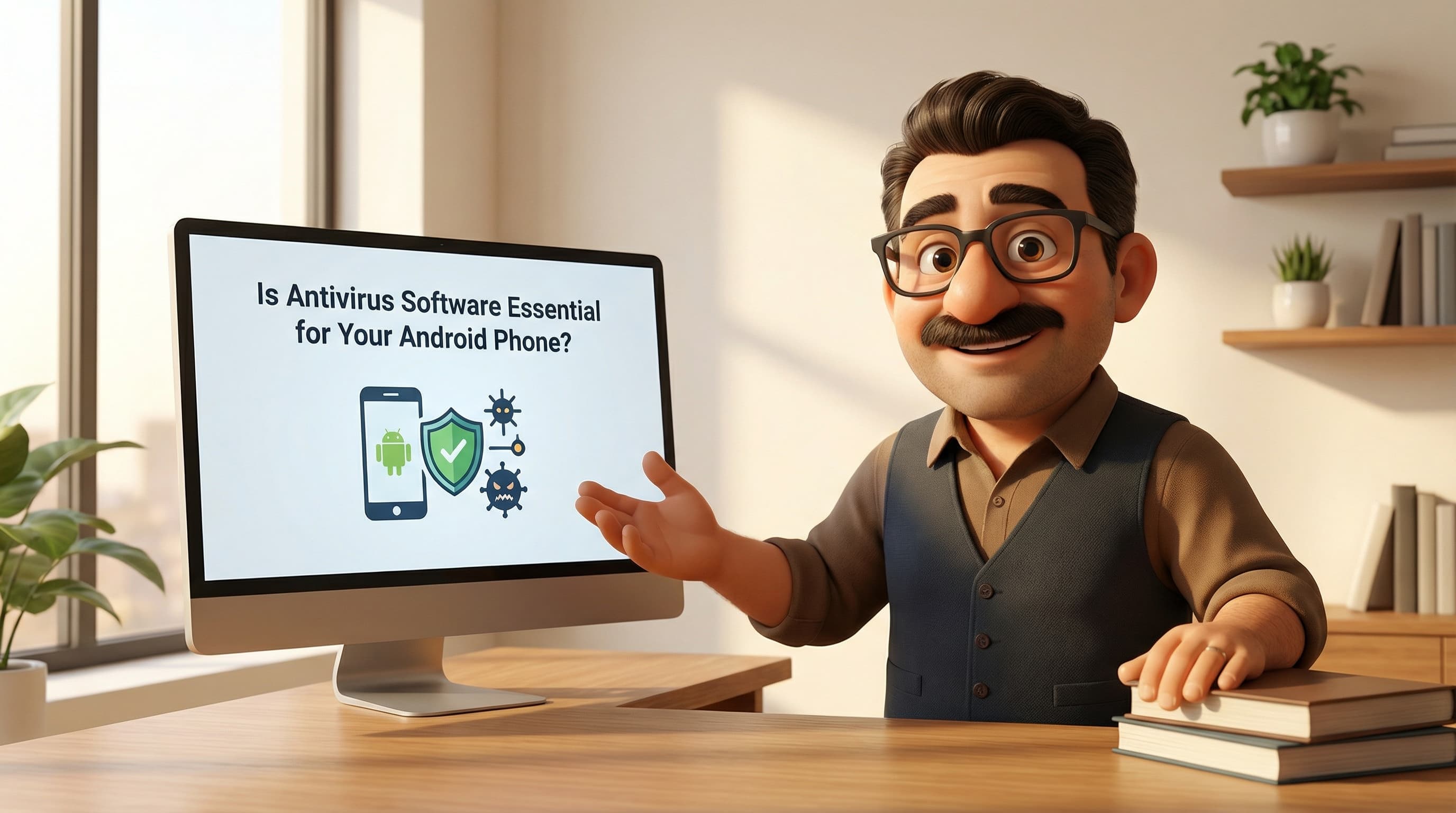
Is Antivirus Software Essential for Your Android Phone? A British Tech Expert Weighs In
Right then, pop the kettle on. Let’s have a proper chat about something that’s likely been niggling at the back of your mind.
Picture the scene: You’ve just unboxed a shiny new Android phone—perhaps the latest Samsung Galaxy or a lovely Pixel. It’s gleaming, the screen is pristine, and it runs smoother than a fresh jar of honey. You’re getting everything set up, downloading your banking app, WhatsApp, and maybe Spotify for the commute. Then, a thought strikes you—a ghost from the past.
“Do I need to install antivirus software?”
It’s a sensible question. In fact, if you grew up in the UK during the late 90s or early 2000s, it’s practically a reflex. But before you rush off to the Play Store and fork out a subscription fee for a security suite, I want you to pause. Take a sip of tea.
I’m going to let you in on a little secret that the security companies aren’t too keen on broadcasting: You almost certainly do not need it.
Now, I know that sounds a bit controversial. It feels like I’m telling you to leave your front door unlocked. But bear with me, because the way our phones work today is entirely different from the clunky beige computers of yesteryear. Let’s dive into why this myth persists and why your phone is tougher than you think.
The "Windows Hangover": Why We Think We Need It
To understand why we feel the urge to install Norton or McAfee on our pockets computers, we have to look back at the “Windows Hangover.”
Cast your mind back to 2003. You’re on the family PC—a heavy Windows XP machine that sounded like a jet engine taking off. The internet was a wild, lawless place. If you clicked the wrong link on Limewire or opened a dodgy email attachment, it was game over. Viruses like Blaster or the ILOVEYOU bug could tear through a system, deleting files and replicating themselves onto every other computer in the network.
Back then, connecting to the internet without antivirus was digital suicide. We were conditioned, quite rightly, to believe that a computer without a shield icon in the system tray was a ticking time bomb.
When smartphones arrived, we naturally applied this “PC Logic” to them. They are, after all, just small computers. But here’s the rub: big security companies noticed mobile sales exploding just as PC sales started to plateau. They needed a pivot.
So, they launched aggressive marketing campaigns painting Android as the “new Wild West.” They used scary terminology and highlighted isolated incidents to monetise our anxiety. They sold us subscriptions to solve a problem that, on mobile, didn’t really exist in the same way. It’s a bit like selling someone shark repellent for a swim in a swimming pool—technically, it works, but you’re solving the wrong problem.
The History: Was It Ever True?
To be fair, I shouldn’t be too harsh. There was a brief period when the concern was valid. If we look back to the very early days of Android—pre-2012, let’s say—things were a bit looser.
The original “Android Market” (before it became the Google Play Store) was a bit like a car boot sale; you could find some gems, but there was also a fair bit of rubbish and very little vetting. Malicious apps were more common, and the operating system itself hadn’t yet developed the iron-clad immune system it has today. In those days, a third-party scanner was a reasonable precaution, a bit of extra insurance.
But technology moves fast. We are now over a decade past those days. Android has matured from a scrappy newcomer into a fortress, and applying 2010 logic to a 2024 smartphone is a recipe for frustration.
The Truth: Why Your Phone is Already Secure
Let’s get under the bonnet, shall we? I promise to keep the jargon to a minimum, but it’s important to understand why your phone is different from that old Windows PC.
1. The Sandbox Architecture
Unlike traditional Windows, where a virus could get into the “root” of the system and jump from file to file like a flea, Android uses something called “Sandboxing.”
Imagine your phone is a large office building. In the old days (Windows), all the doors were open. If a thief (virus) got in the front door, they could wander into every room, photocopy files, and steal lunch from the fridge.
On Android, every single app lives in its own locked room—its own sandbox. The BBC News app cannot see what the WhatsApp app is doing. Your calculator cannot access your photos. They are completely isolated. Even if you accidentally downloaded a malicious app, it is trapped in its own room. It cannot spread to the rest of the system unless you, the user, explicitly walk over and unlock the doors for it.
2. Google Play Protect: The Bouncer
Here is something many people don’t realise: You already have antivirus installed. It’s built-in, it’s free, and it’s called Google Play Protect.
Since about 2017, Google has integrated this massive security suite directly into the OS. It scans over 100 billion apps every day. It uses sophisticated machine learning to detect dodgy code before you even tap “Download” on the store.
Furthermore, it keeps working after you’ve installed apps. It periodically scans your device for Potentially Harmful Applications (PHAs), even ones you might have installed from outside the store. It’s like having a bouncer standing at the door of the club, checking IDs, and then walking around the dancefloor just to make sure no one is causing trouble.
3. The Evolution of Permissions
Do you remember when you’d install a torch app in 2013 and it would demand access to your contacts, location, and microphone? Those days are largely gone.
Modern Android (versions 10 through 14) uses strict “runtime permissions.” An app cannot access your camera or microphone until you click “Allow.” You’ve likely seen the pop-ups. Recent updates even allow you to grant permission “Only this time,” which is brilliant. It stops apps from harvesting data in the background once you’ve closed them.
Third-party antivirus apps simply cannot replicate this level of system-level control. In fact, for an antivirus app to scan your other apps, it demands huge amounts of permissions itself!
The Dark Side of Mobile Antivirus
So, if antivirus isn't essential, is it harmless? Not necessarily. In my experience testing devices for tod.ai, I’ve found that installing third-party security suites can often do more harm than good.
The Battery Drain To function, these apps have to run constantly in the background. They keep the processor awake, checking things that don't need checking. This consumes significant battery life and system memory (RAM). If your phone feels sluggish, ironically, it might be the security app slowing it down.
The "Phone Cleaner" Fallacy A lot of these apps come bundled with “RAM Boosters” or “Phone Cleaners.” Let me be clear: this is mostly snake oil. Android is designed to keep RAM full so that your favourite apps launch instantly. Force-clearing your RAM (which these apps do) just means your phone has to work harder to reload everything, wasting more energy. It’s like emptying your pockets every time you walk into a room, only to have to pick everything up again when you leave.
Data Harvesting Here is the kicker. Many free antivirus apps sustain their business model by collecting your usage data and selling it to advertisers. It’s a distinct irony: you install an app to protect your privacy, and the app itself monetises your privacy to pay the bills.
The Real Threat: It’s Not a Virus, It’s a Trick
Now, I’m not saying there are no threats. But the landscape in the UK has shifted. We aren't fighting self-replicating viruses anymore; we are fighting Social Engineering and Phishing (or "Smishing" via SMS).
Remember the “Flubot” scare a couple of years back? It swept across the UK like wildfire. People received a text claiming to be from Royal Mail or DPD about a missed parcel. It asked them to download a tracking app.
The people who got infected weren't “hacked” in the traditional sense. They were tricked. They voluntarily tapped the link, ignored the browser warning, downloaded the file, and granted it permission to install.
No amount of antivirus software can truly stop you if you are determined to open the door for the thief. The failure point wasn't the software; it was the deception. The defence against this isn't an app—it’s education and a healthy dose of British cynicism.
The Verdict: Save Your Money (and Your Battery)
So, what’s the Tod’s Top Tip on this?
Unless you are a “sideloading” enthusiast (someone who downloads apps from random websites rather than the Play Store) or a business handling ultra-sensitive government data, you do not need third-party antivirus on your Android phone.
It is a relic of a bygone era, a placebo that drains your battery and flashes up scary red warnings to justify its own existence.
Here is your checklist for staying safe without the bloatware:
- Stick to the Google Play Store: It’s the safest ecosystem by a country mile. The chances of getting malware here are statistically tiny (less than 0.05%).
- Trust Play Protect: It’s already on your phone, working silently in the background. let it do its job.
- Keep Android Updated: Those boring security patches you ignore? Install them! They plug the holes that hackers actually use.
- Engage Brain Before Tapping: If you get a text from “Evri” at 3am about a parcel you didn't order, don't click the link.
Use the money you would have spent on a premium security subscription to buy yourself a nice coffee and a slice of cake. Your phone is safe, your battery will last longer, and you can rest easy knowing you haven’t fallen for the marketing hype.
Still unsure which Android phone has the best built-in security features for your needs? Or perhaps you're looking to upgrade from an old device that's no longer getting those vital updates?
Pop over to tod.ai. I’m always here to help you navigate the confusing world of tech with a friendly chat and a tailored recommendation. Cheers!
Related reading: